

Structured Content Exploration Framework For Tablet-Based Digital Publications.
MSlide² is built for landscape tablet viewing, combining structured content, visual navigation, and touch interaction into a focused exploration experience for catalogs, brochures, documentation, and other long-form digital publications.
Where MSlide² Works Best:
Catalogs And Product Publications
For product catalogs, wholesale catalogs, lookbooks, price magazines, and product showcases where users need to browse and compare visual information.
Brochures And Sales Presentations
For company profiles, commercial brochures, campaign decks, and sales material that need a stronger viewing experience than a static document.
Documentation And Manuals
For technical documentation, installation guides, product manuals, operational handbooks, and support material organized into chapters or procedures.
Reports And Editorial Publications
For annual reports, research reports, industry publications, digital magazines, educational material, and visual reference content.
From Static PDF To Structured Publication
For catalogs, brochures, reports, and manuals that need more than static pages. MSlide² keeps the clarity of a document while adding visual navigation, media support, and structured entry points across the publication.
From Page-Turning To Visual Exploration
For digital publications that need more than page-turning. MSlide² moves users through sections, slides, thumbnails, and media-rich layouts so they can explore content directly instead of following a fixed page sequence.
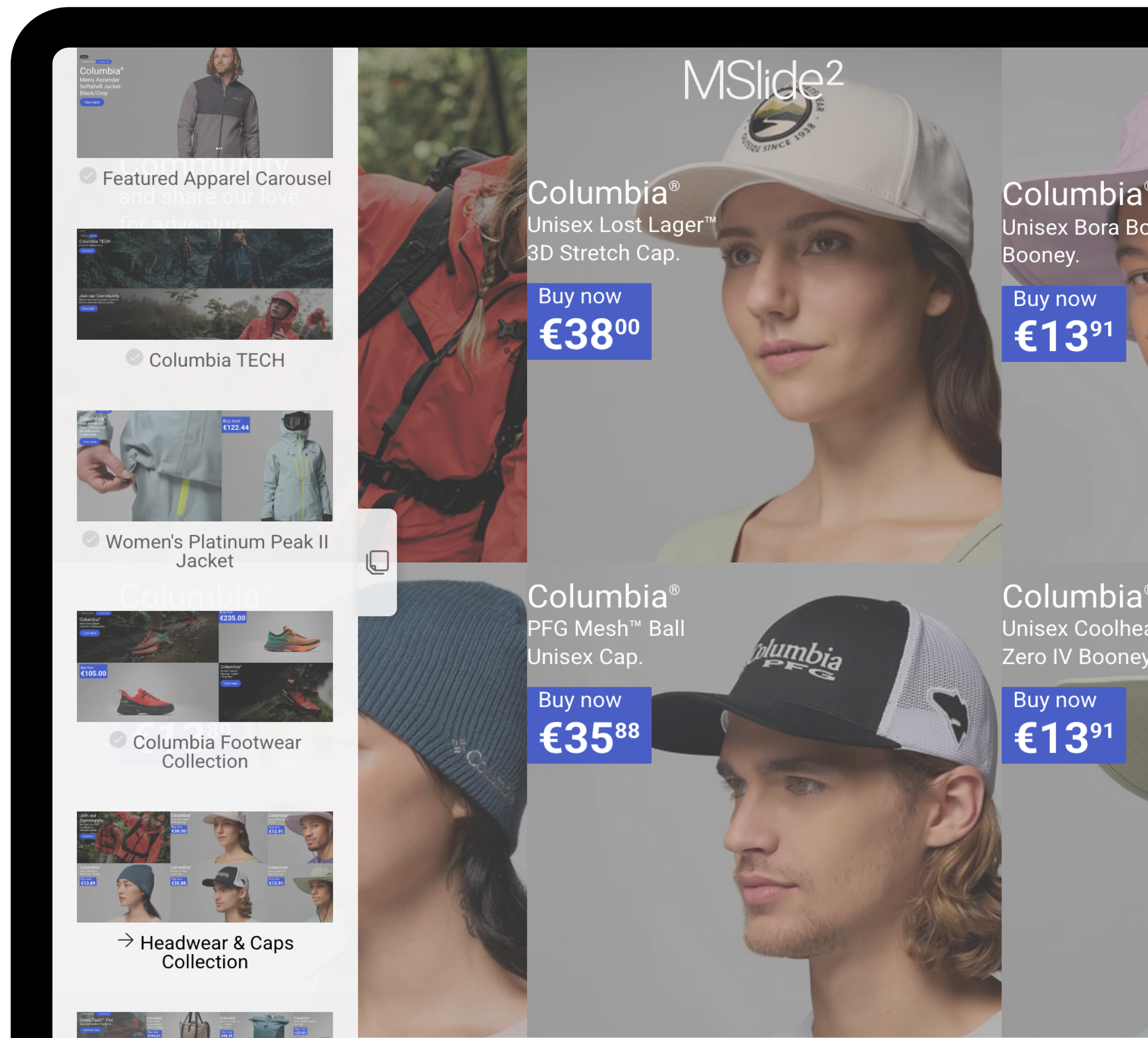
Editorial Layouts
For documentation, reports, brochures, articles, and publication-style content that benefits from structured reading, visual rhythm, and contextual navigation.
Commerce Layouts
For catalogs, product showcases, price magazines, and retail presentations where users need to browse, compare, and explore commercial content.
What Is Structured Content Exploration?
Structured Content Exploration is the core MSlide² framework concept. It gives long-form digital publications a visible structure, a visual navigation layer, and a clear exploration path across sections, media, and detailed content.
Visible Content Structure
MSlide² organizes information into sections, slides, and content states that remain easy to understand while browsing. Users can see how a publication is structured instead of moving through content as isolated pages.
Visual Navigation System
Horizontal navigation, vertical stacks, and thumbnail navigation work together to create overview and depth. Users can move between major sections, explore related content, and jump directly to relevant areas through visual cues.
Exploration With Context
MSlide² supports long-form content where comparison, discovery, and orientation matter. Catalogs, brochures, documentation, reports, and visual publications can be explored without losing the surrounding publication context.
Every Section Can Become An Entry Point
MSlide² publications do not have to be shared only from the cover or opening screen. A publication, section, slide, or fragment can become a direct entry point, allowing users to arrive closer to the information they need while keeping access to the broader publication.
Publication Entry
Use the full MSlide² experience as the main destination for a catalog, brochure, report, or documentation system.
Section Entry
Send users directly to a product category, chapter, topic, or service area while preserving access to the wider publication.
Slide Or Fragment Entry
Point users toward a specific product, detail, specification, feature, or revealed content state.